Memory
is a per-user store the agent can recall across conversations. It is composed of several entries, each one a key-value pair - your preferred date format, the database you usually query, how terse you want responses. The agent pulls these into context when they apply.
How memory works
A small memory agent runs alongside the main conversation. It reads recent messages, decides what's worth remembering, and writes entries to a per-user store. On the next conversation, those entries are available as context the main agent can reference without you having to repeat yourself.
You see this as continuity: tell an agent once that you prefer SQL output in lowercase and that your fiscal year ends in March, and future conversations behave accordingly.
Manage your memories
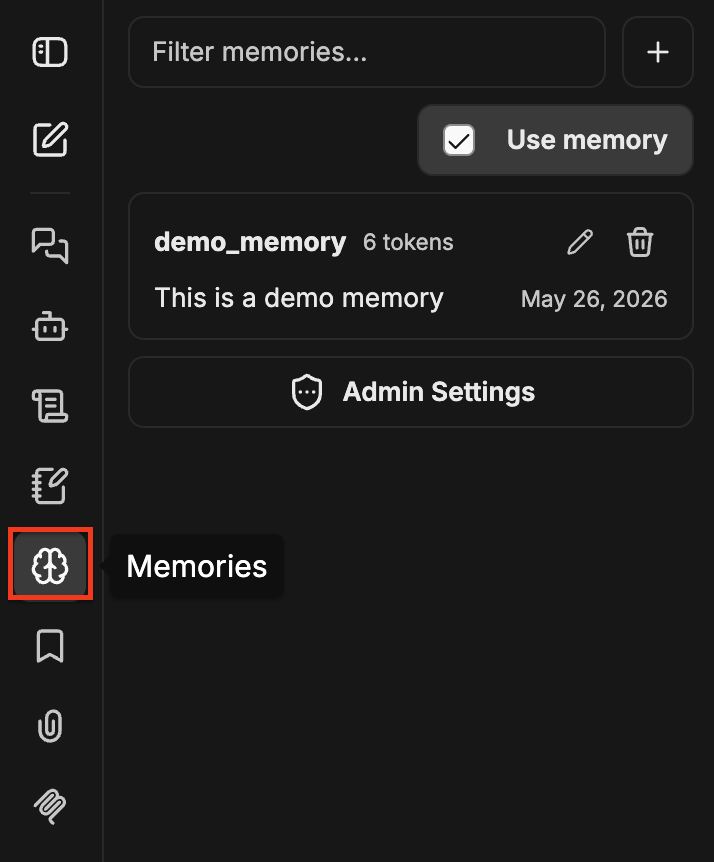
Open the memory panel from the Memories (brain) icon in the left navigation. The panel lists your stored memories with controls to create, edit, delete, and filter entries.
Memory is private to your user. Other people's agents never see your entries, and your agents never see theirs.
Create a memory
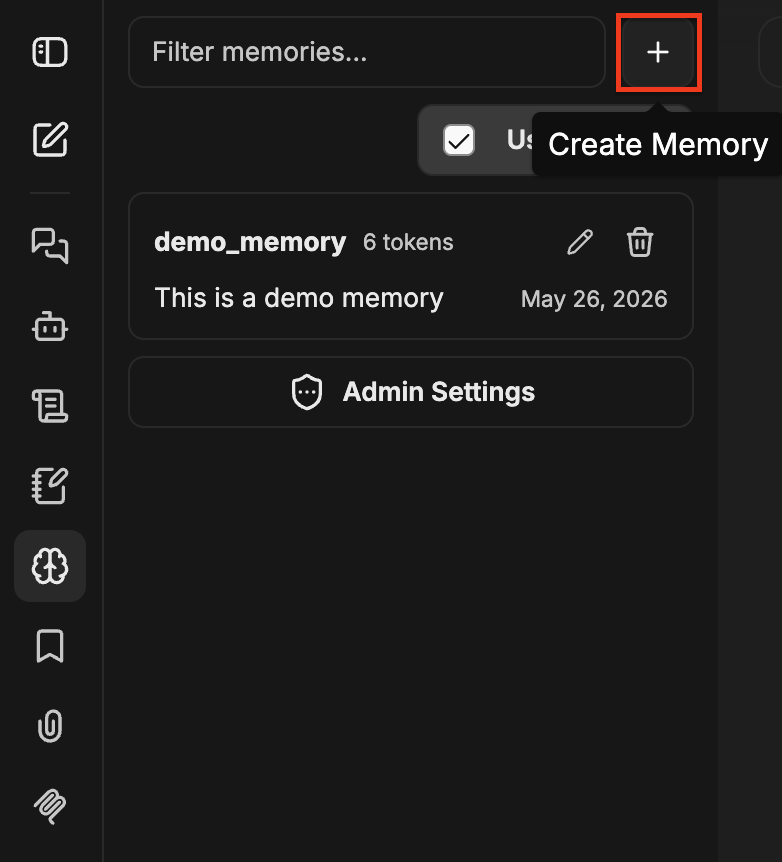
Click the + button at the top of the panel to open the Create Memory dialog. Enter a Key (lowercase letters and underscores only) and a Value, then click Create.
Filter memories
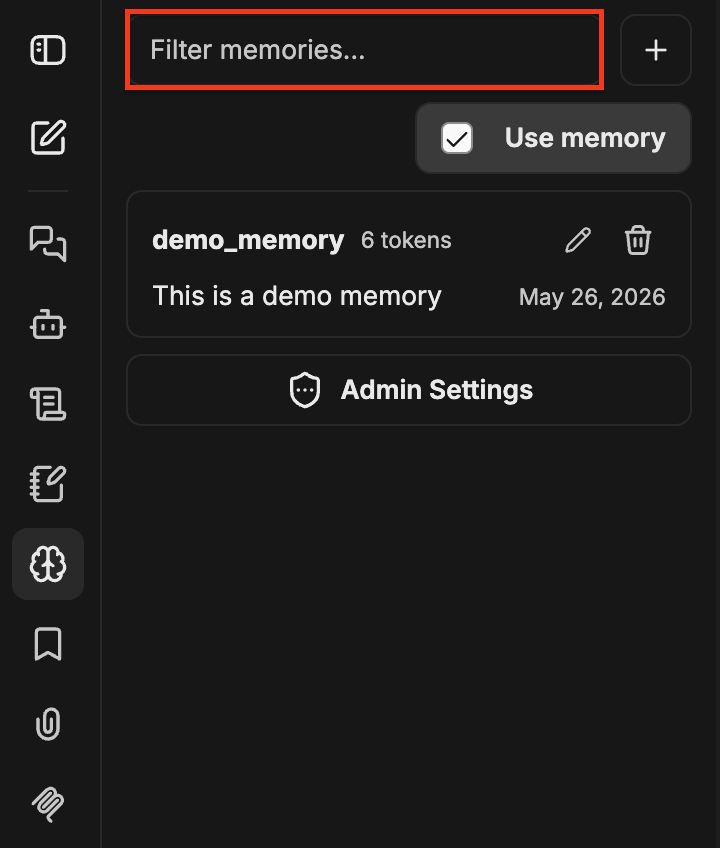
Use the Filter memories input at the top of the panel to find an entry by key.
Edit a memory
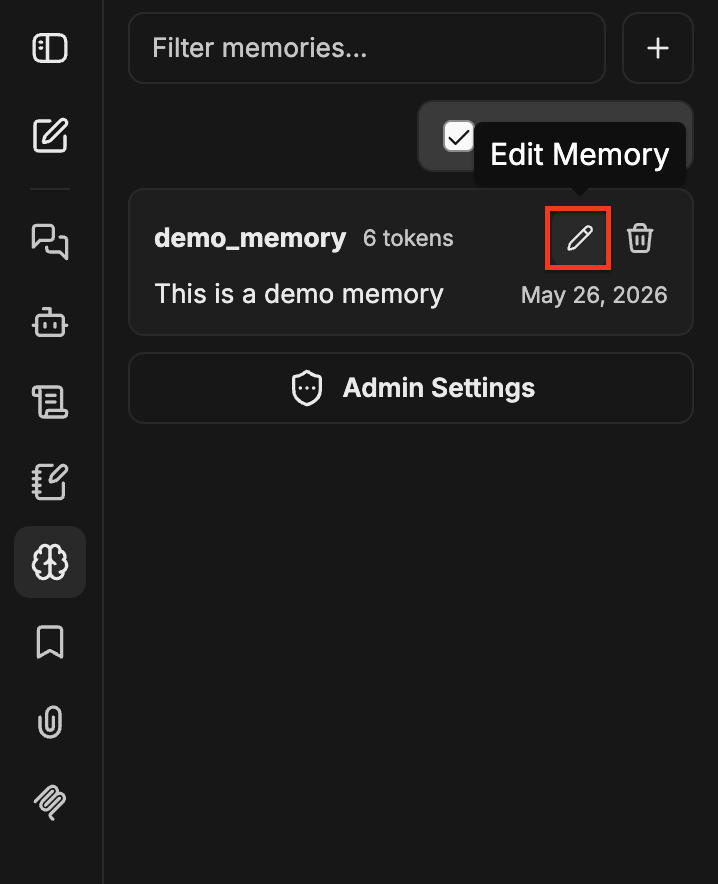
Click the pencil icon on a memory to open the Edit Memory dialog. Adjust the Key or Value and click Save.
Delete a memory
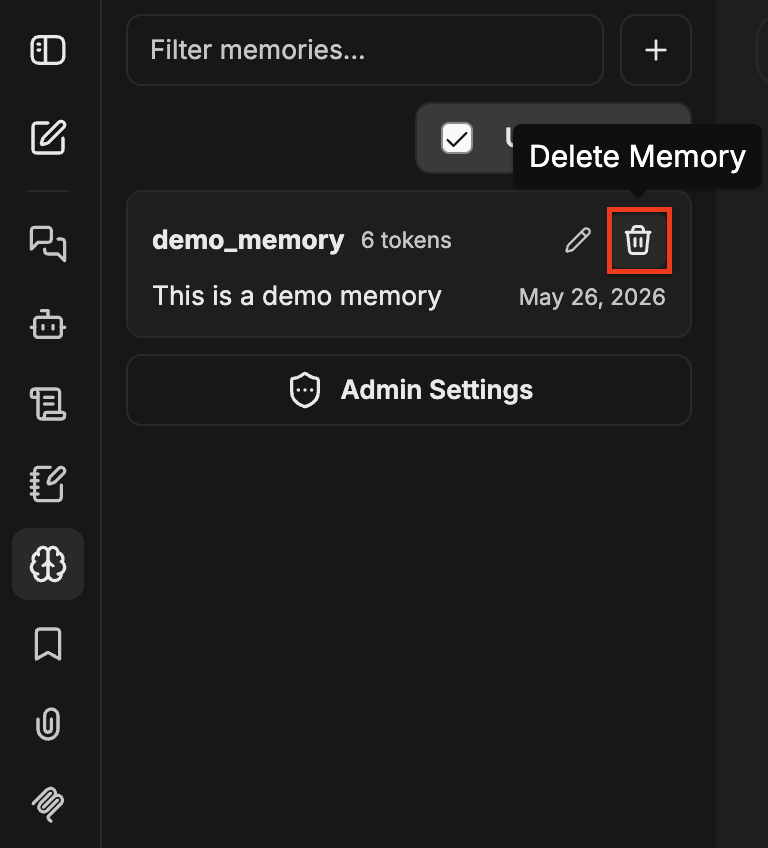
Click the trash icon on a memory to remove it.
Toggle memory
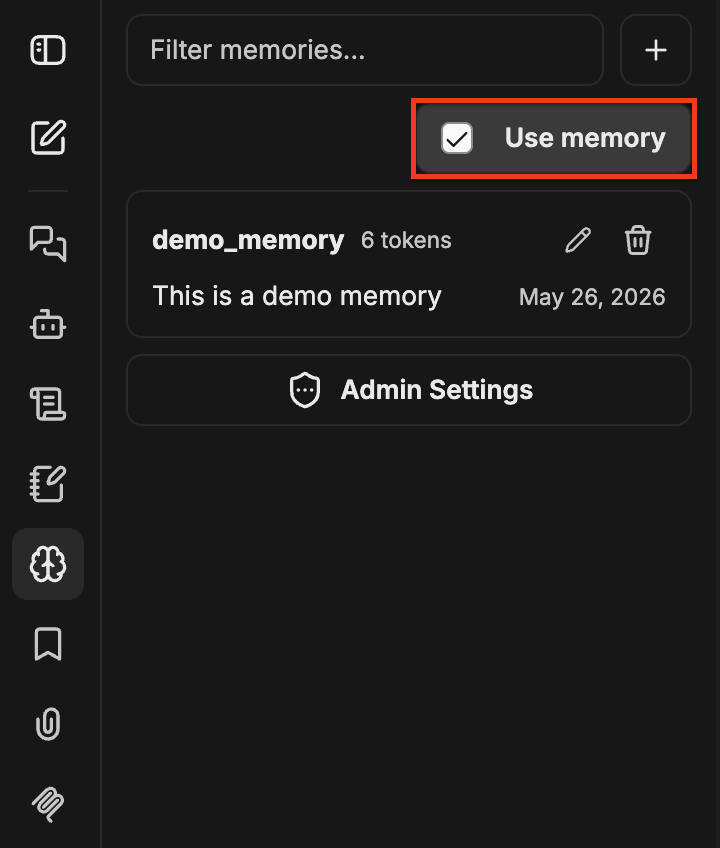
Turn memory on or off with the Use memory checkbox at the top of the memory panel. Disable it for sensitive topics you don't want stored, or for one-off conversations where personalization isn't helpful.
When memory is off, the agent neither reads from nor writes to your memory store.
Memory best practices
Memory can help when:
- Recurring conventions: preferred date formats, business definitions, naming patterns.
- Project context: which service or database you usually query, which dashboards you care about.
- Communication style: terse versus chatty, code-heavy versus prose-heavy responses.
Memory isn't intended to be used as a database. It's not a place to dump large reference material, for example. You should rather use a skill or bake the material into the agent's instructions for that. It's also not intended for retrieval over past chats; the conversation history itself plays that role.
